Review and lock a run
Goal
Move a computed allocation run through its human gates — Reviewed, then Locked — so it's ready to publish.
Who can do this
Planner or System Administrator — allocation_run.write to review, allocation_run.lock to lock.
Before you start
- A run in Computed state (see Generate a roster).
Steps
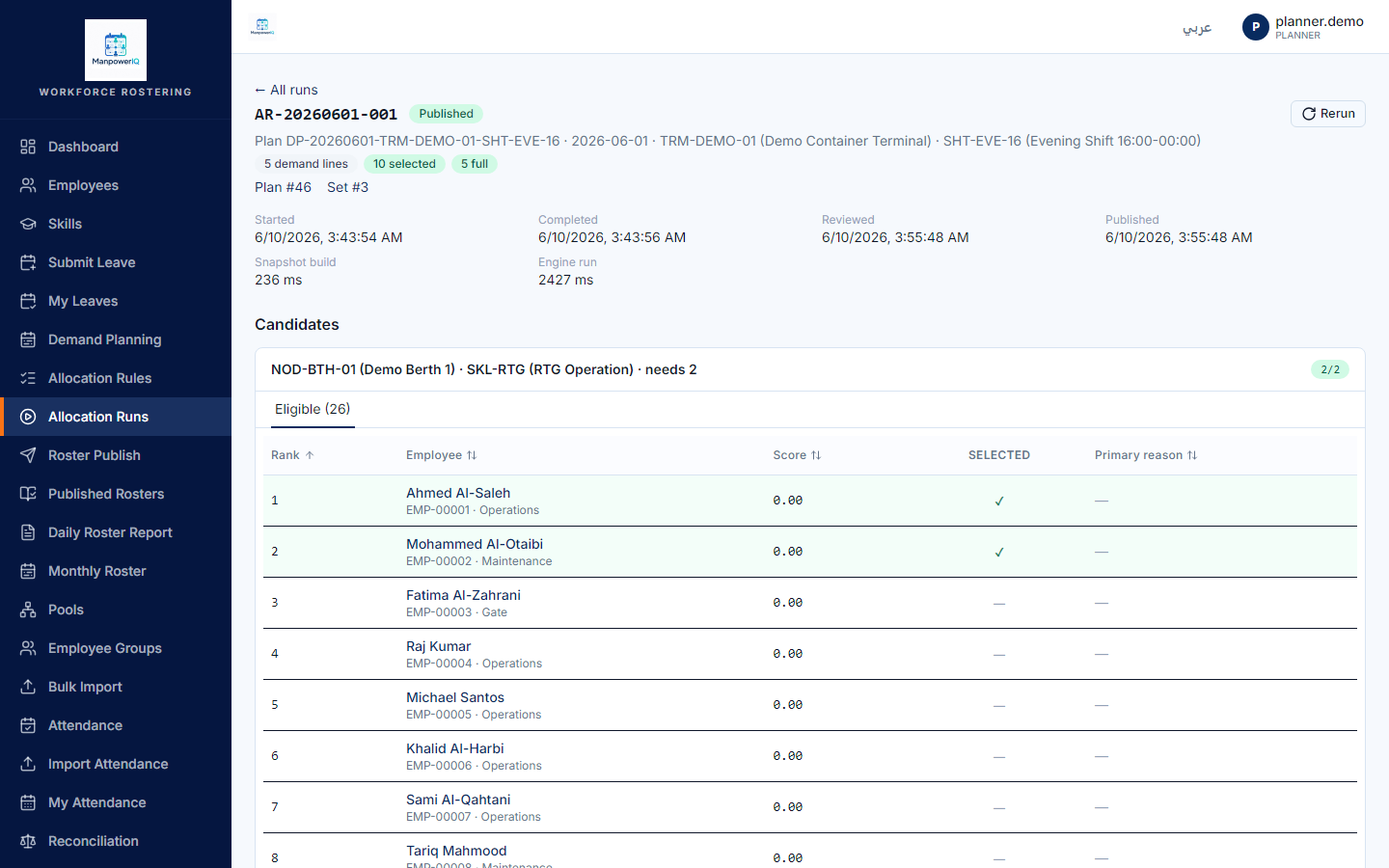
- Open the run (
/allocation-runs/{id}) and check the selected candidates per line. - Click Mark as reviewed — moves Computed → Reviewed (records who reviewed and when).
- Click Lock — moves Reviewed → Locked. A locked run is frozen and can be published.
What the system does
The two human gates separate engine completion (Computed) from a person's sign-off (Reviewed) and the final freeze (Locked). Locking the run is not locking the demand plan — those are different things, and the demand plan is not locked by this (or any) action. See Rosters & allocation runs.
What can block you
- Order is enforced: review requires Computed, lock requires Reviewed; out-of-order calls return HTTP 409.
- Re-running doesn't change this run — a rerun spawns a new Draft run; this one keeps its state (it can stay Locked) so you can compare.