Submit and track your leave
Goal
Request leave and follow it through the approval chain.
Who can do this
Any employee with leave.request / leave_request.submit (the Employee role, and all staff roles). You submit and track your own leave.
Before you start
- Your user must be linked to an employee record (leave is tied to the employee, not just the login).
Steps
- Open Submit Leave (
/leave/submit), choose your dates and add a reason, and submit. The request starts as Pending. - Track it under My Leaves (
/leave/my) — each request shows its status and which step it's awaiting (Manager, then HR).
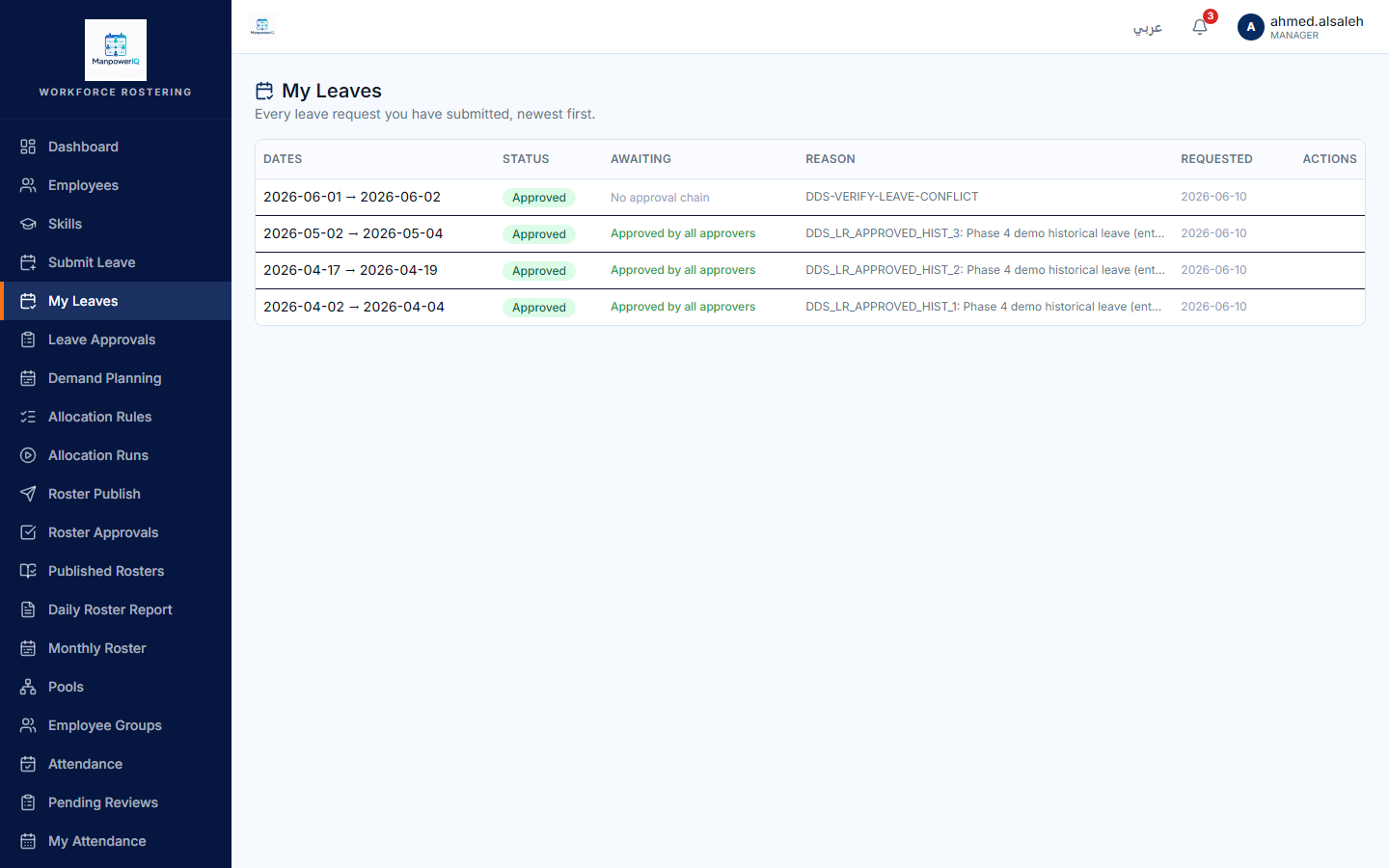
What the system does
A leave request runs a two-step chain — Manager, then HR Administrator. Until it's fully approved it stays Pending; an approved leave then blocks you from being allocated on those dates (the allocation engine's leave-conflict check reads approved leave). See Approve leave.
What can block you
- No employee record → no leave. A login with no linked employee can't submit (its leave list is empty).
- There is no leave-type taxonomy (no Annual/Sick/Vacation categories) in v1 — a request is dates + reason.