Approve leave (two-step)
Goal
Clear the leave queue by approving (or rejecting) requests through the two-step chain.
Who can do this
- Step 1 — Manager:
leave_request.approve(Manager; also Supervisor / HR Administrator hold the permission). - Step 2 — HR Administrator: the HR approval step.
- A request is fully Approved only after both steps.
Before you start
- Pending requests exist (employees have submitted leave — see Submit leave).
Steps
- Open Leave Approvals (
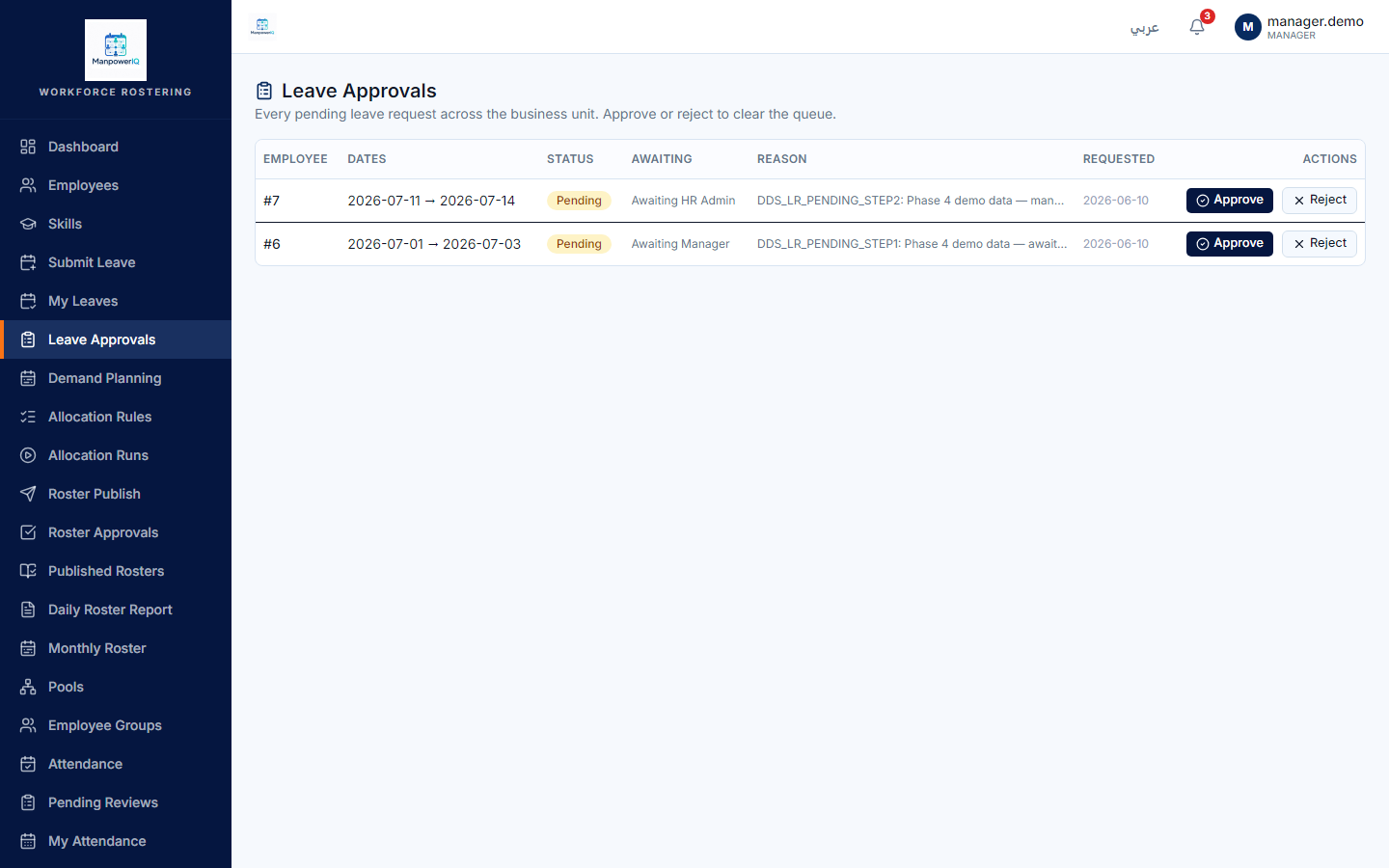
/leave/approvals) — every pending request across the business unit, with the step it's awaiting. - As the Manager, approve (or reject) the requests awaiting the Manager step.
- The request then moves to awaiting HR; an HR Administrator approves the second step, making it Approved.
What the system does
The chain is Manager → HR Administrator; each step is recorded. Only after both steps does the leave become Approved — at which point it blocks the employee from allocation on those dates. The approvals queue is unscoped (every approver sees every pending request, not just their own team). See Submit leave.
What can block you
- Both steps are required — a Manager-approved request is still Pending until HR approves.
- The approval matrix is not wired to leave in v1 — approvers come from the role permissions above, not from a configurable approval-matrix flow.